
Seamlessly Connect Your Shopify Store with HyperSKU
Enjoy effortless product syncing, automatic order fulfillment, and real-time tracking — all from one powerful dashboard.
Connect Your Store
Enjoy effortless product syncing, automatic order fulfillment, and real-time tracking — all from one powerful dashboard.
Connect Your Store


HyperSKU makes managing your Shopify store effortless. Quickly connect your store, sync products, automate orders and shipping, and get real-time inventory updates. Cut down manual work and focus on growing your brand and sales.
Experience complete automation across your entire order and sourcing workflow.
Orders flow seamlessly from your Shopify store to HyperSKU in real-time. Say goodbye to manual CSV exports or tedious spreadsheets.
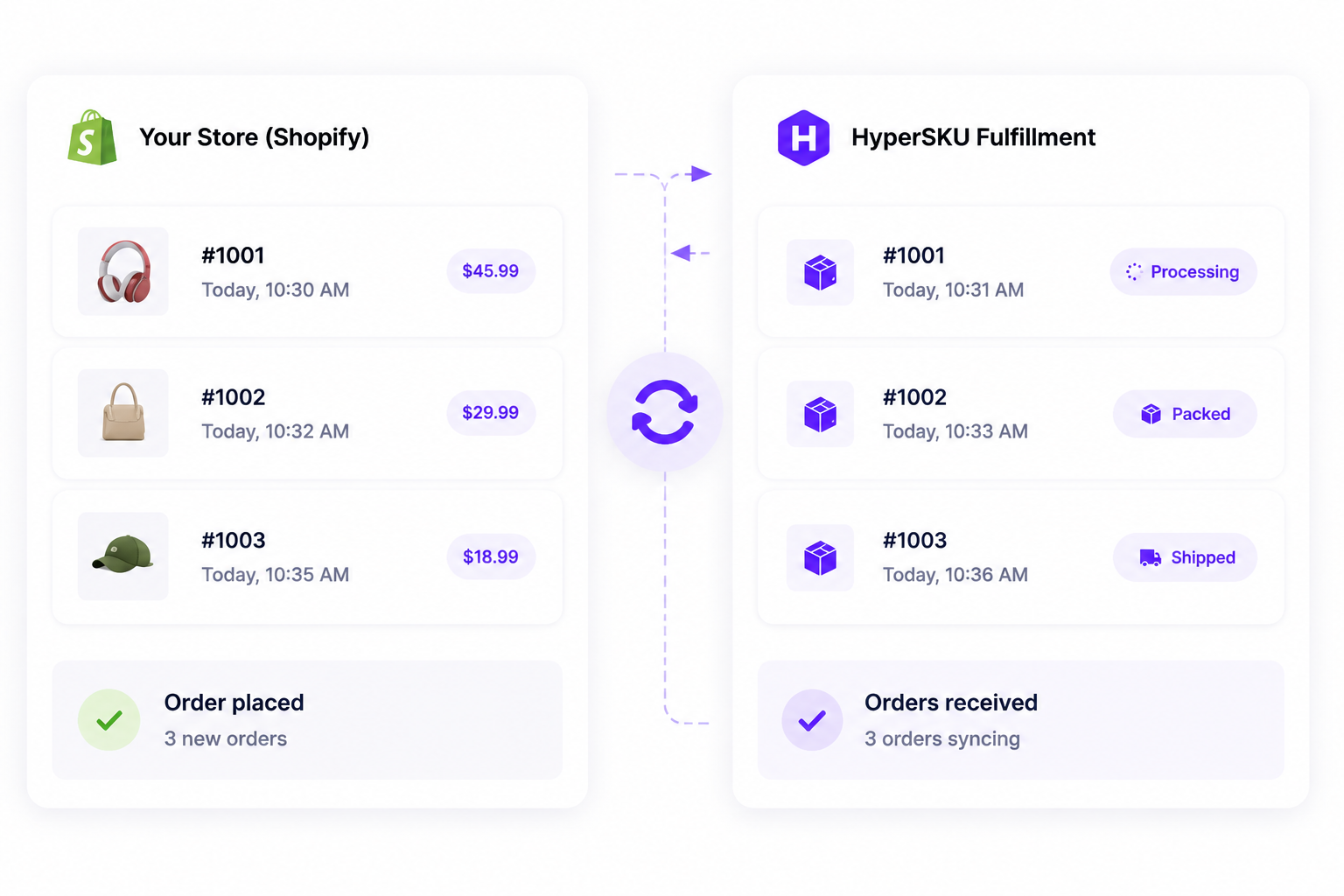
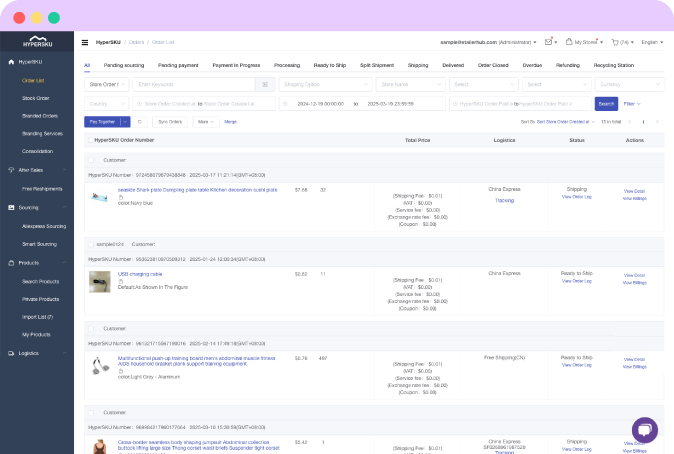
Prevent overselling and stockouts. HyperSKU automatically syncs warehouse inventory and price updates directly with your Shopify listings.
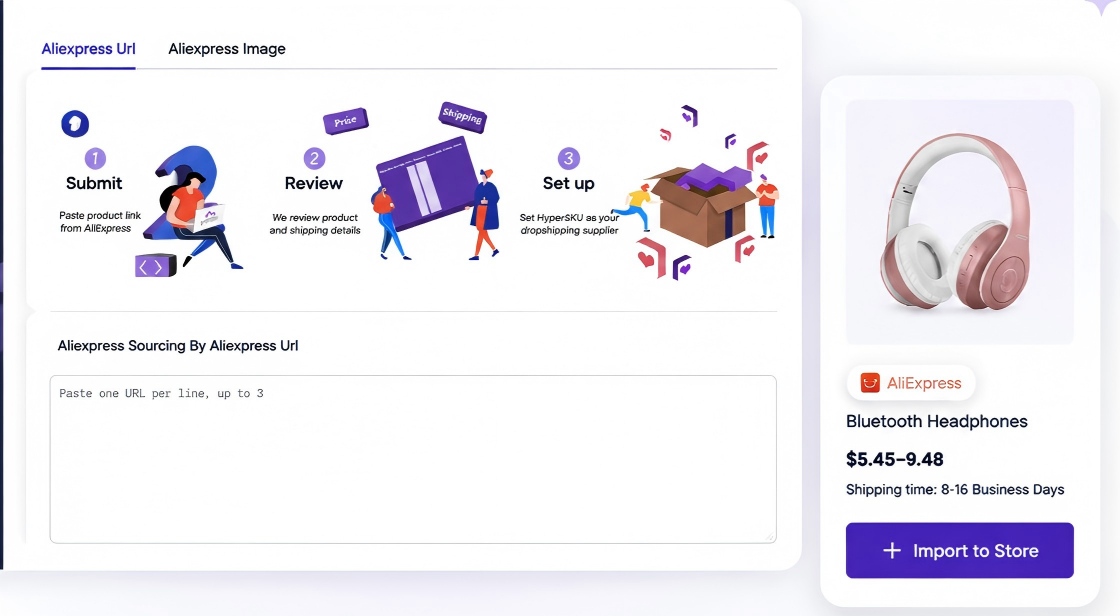
Easily push vetted, high-margin products from our factory catalog directly into your store, complete with custom titles, images, and pricing variants.
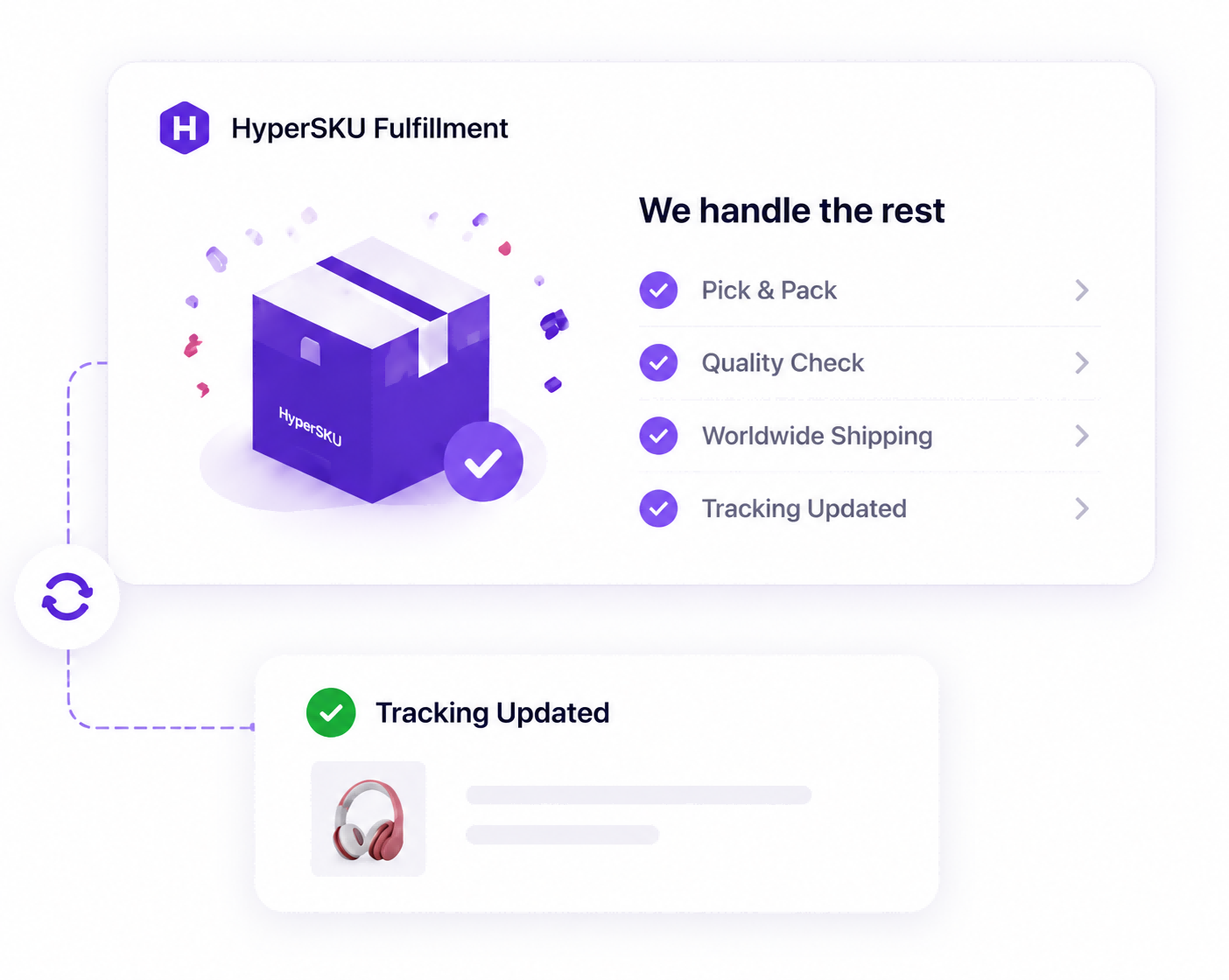
Once dispatched, tracking numbers update automatically on Shopify, instantly triggering shipping notifications and tracking links to your customers.
Follow our quick video tutorial or read the step-by-step setup guide to get connected in minutes.
Watch this 2-minute video walkthrough to learn how to connect your store and start syncing your orders automatically.
Ready to integrate right now? Follow these simple steps:
Log in to your HyperSKU Account (or register for free).
Navigate to Stores > Add Store and choose Shopify.
Enter your store URL, authorize access, and start importing products.
Managing stores on multiple platforms? HyperSKU connects all your sales channels into one central hub.






No, the integration is completely free to use.
Don’t worry! We provide detailed integration guides, plus step-by-step tutorials on our YouTube channel for your reference.
Yes! Once an order is paid and processed, tracking numbers are automatically synced to your Shopify store, keeping your customers informed.
Join thousands of merchants using HyperSKU for seamless sourcing and global express fulfillment.
Connect Your Store Free